Audiomack has surpassed several milestones to attain an established reputation, emerging as one of the premier digital music platforms for discovering emerging talent, underground mixtapes, and mainstream releases across genres including Afrobeats, Hip-Hop, Reggae, Gospel, and Amapiano.
Perhaps, with the view of these, official Audiomack app offers mobile offline playback for select tracks, even though music lovers often desire the flexibility to play their favorite songs across any device, transfer files to DJ hardware, or listen without relying on dedicated apps, constant internet access or pay check inducing subscription.
To attain incredible access to sustainable usage, users frequently turn to online converters to save Audiomack tracks directly as to their local files, owning their own MP3 track. In this phase, users are expected to thrive with Pondofy as a recommended software for this.
Why Choose Pondofy for Audiomack MP3 Conversion?
Among the several proven web-based tools available, Pondofy peaks its place at the top for its attributed ability induced in a clean interface, speed, and user-centric features. Rather than cluttering the screen with aggressive pop-up advertisements or requiring unnecessary downloads, Pondofy provides a streamlined, browser-based experience, which many users have testified to.
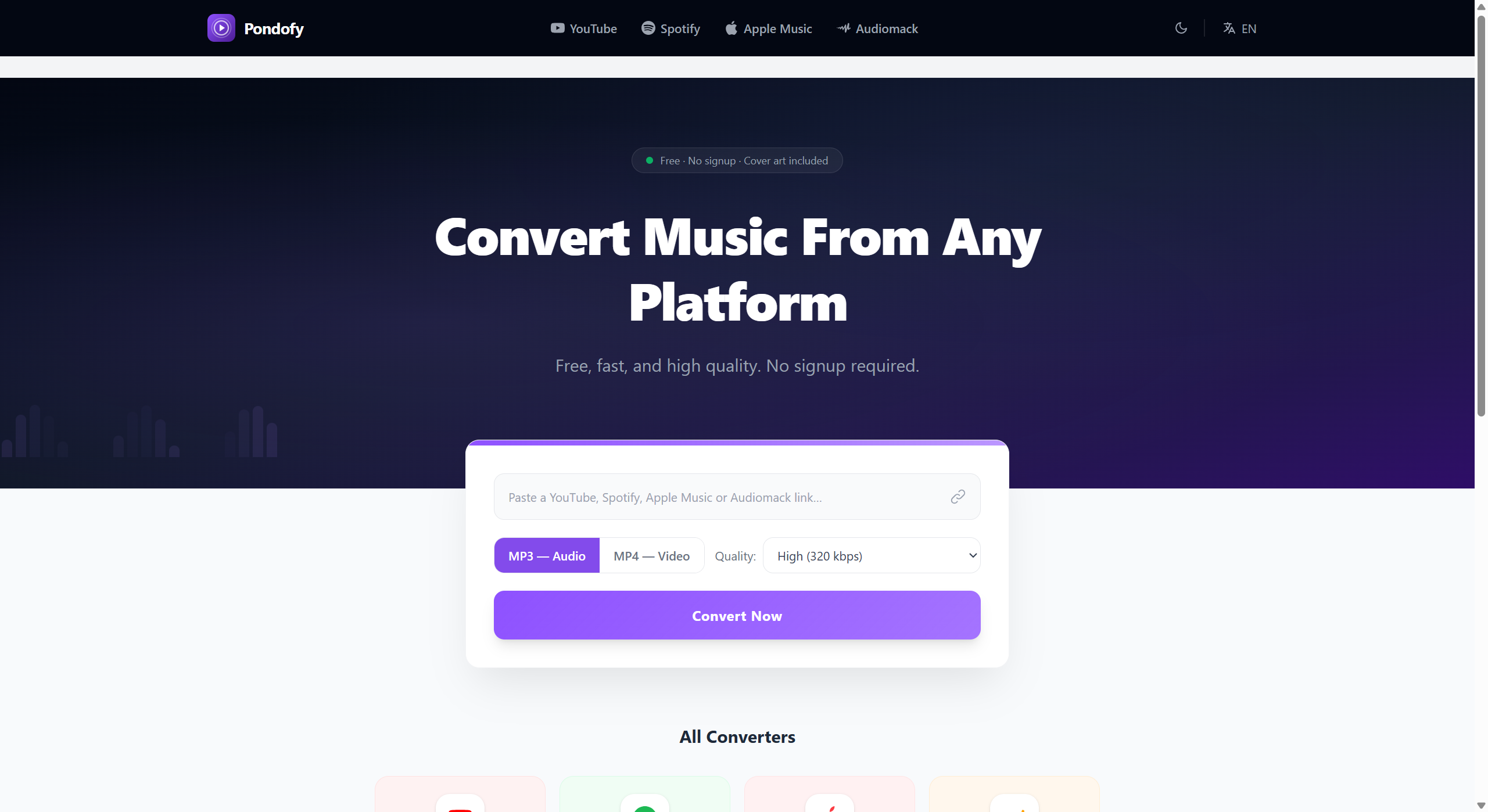
Key highlights of the service include:
- Free and Frictionless Access: Pandofy converts unlimited tracks without needing to create an account, requiring personal details, or paying hidden subscription fees.
- Automated ID3 Tag & Cover Art Embedding: Standard file downloads often leave users with obscure filenames like “audio_track_01.mp3”. In this situation, Pondofy automatically identifies track metadata and embeds the song title, artist name, album name, and cover artwork directly into the MP3 tags.
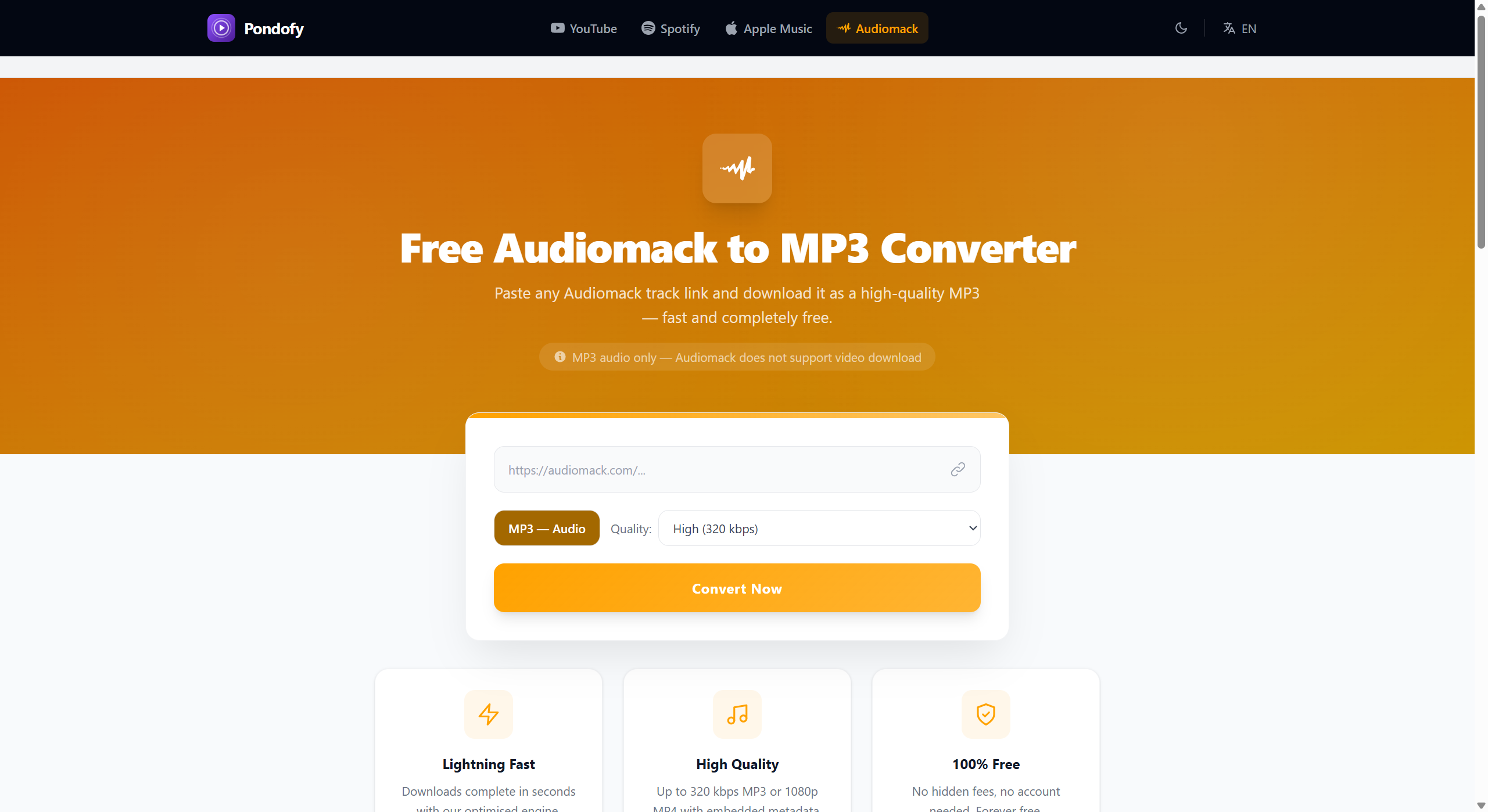
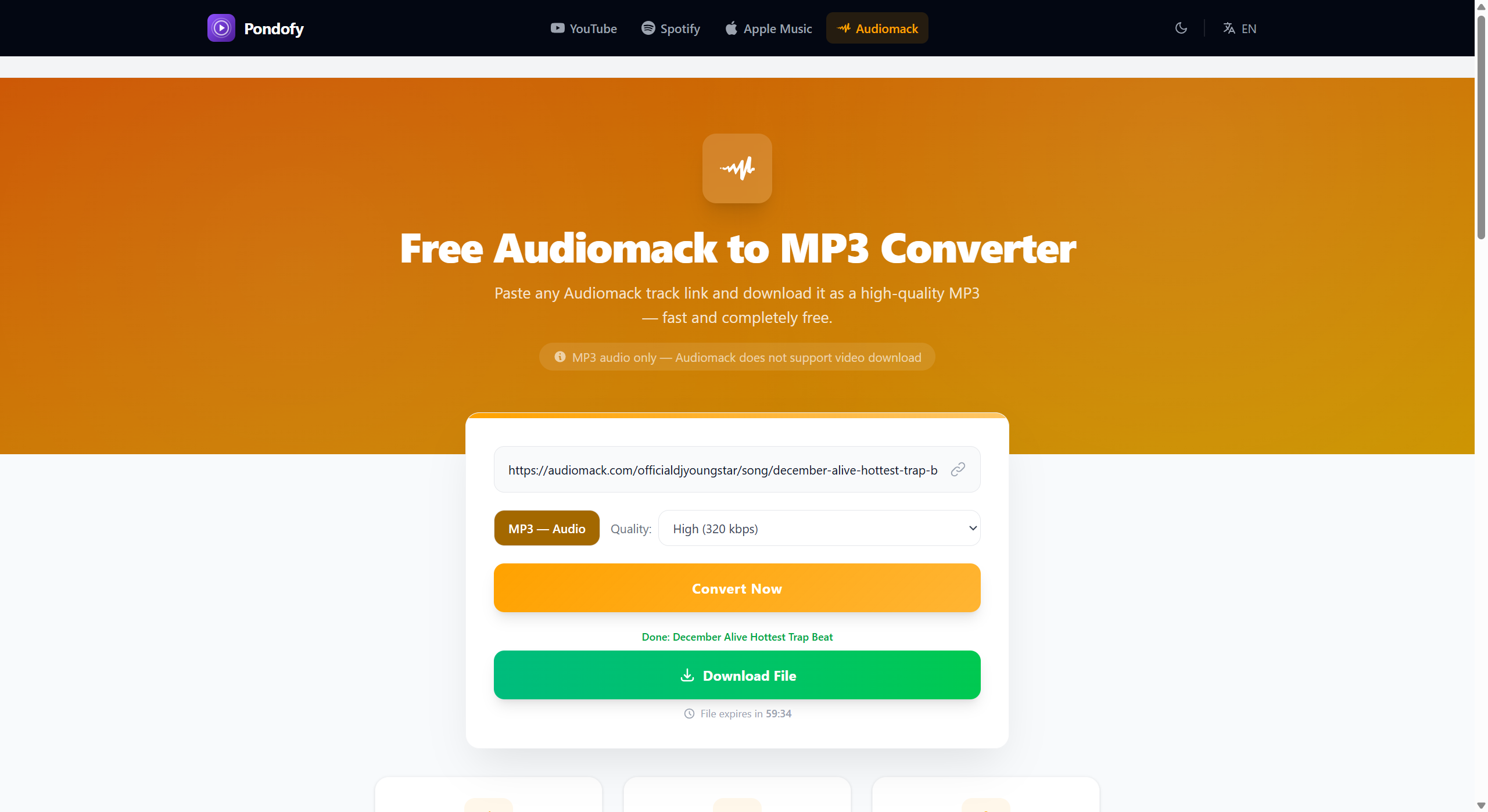
- Flexible Audio Bitrate Settings: Pondofy offers users the freedom to select their preferred balance between file size and audio fidelity, offering High Quality (320 kbps), Medium Quality (192 kbps), and Standard Quality (128 kbps).
- Cross-Platform Browser Support: Pondofy operates entirely within web browsers across Windows, macOS, Linux, Android, and iOS, desisting the need for software installation or browser extensions.
- Rapid Processing Speed: Pondofy is built on an optimized conversion engine, audio extraction, and file packaging, which in turn infuses its speed and takes only a few seconds per track.
Three-Step Conversion Guide
Converting and saving your favorite Audiomack songs with Pondofy is a guaranteed quick and intuitive take.
Step 1: Locate Your Track
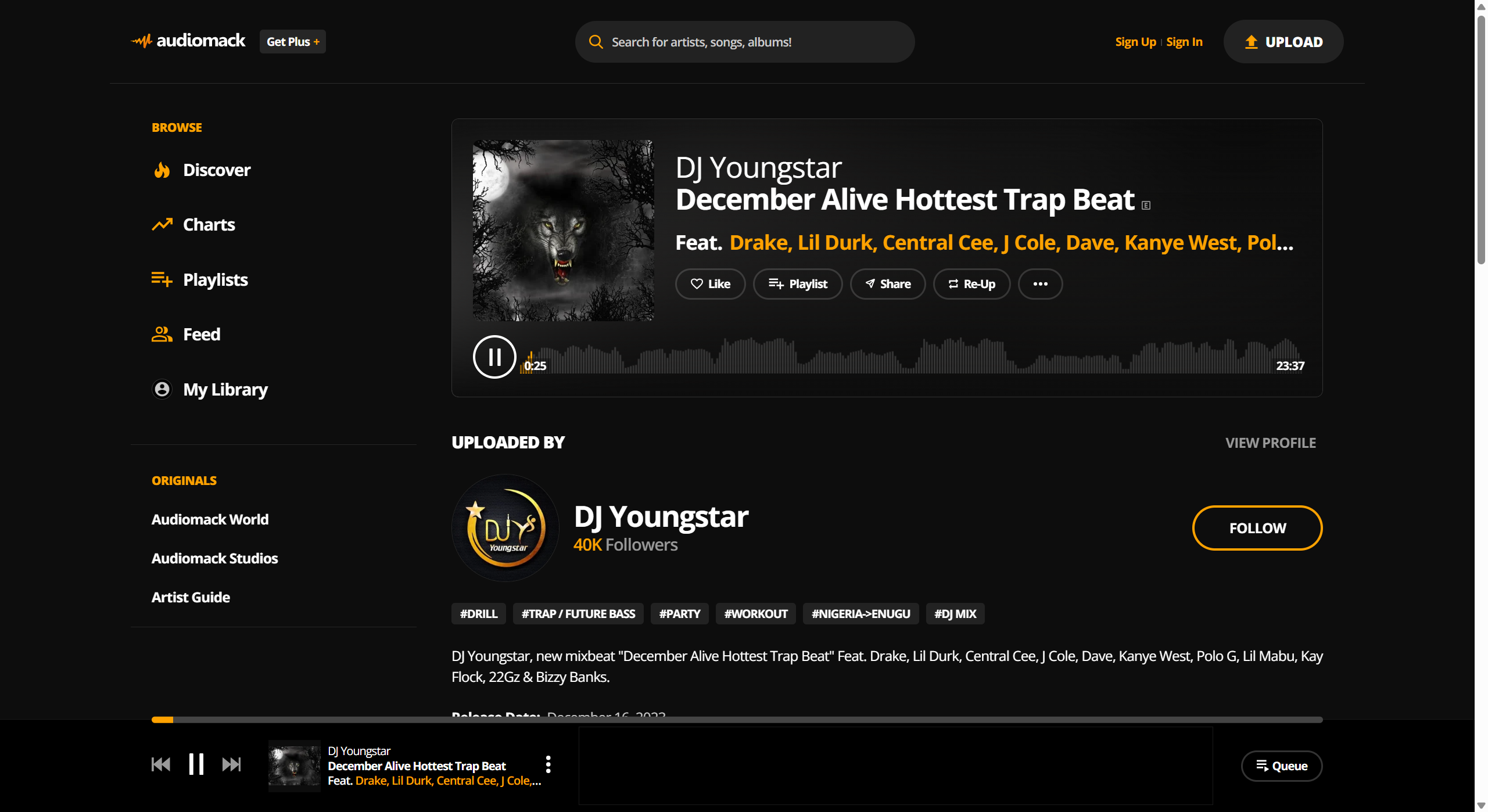
Visit Audiomack using any preferred web browser or open the Audiomack directly from its official software app and browse genre charts, trending lists, or search directly for your desired artist or track title.
Step 2: Copy the Track URL
Copy the complete web address from your browser’s URL bar, or click the native “Share” button on Audiomack and choose “Copy Link.”
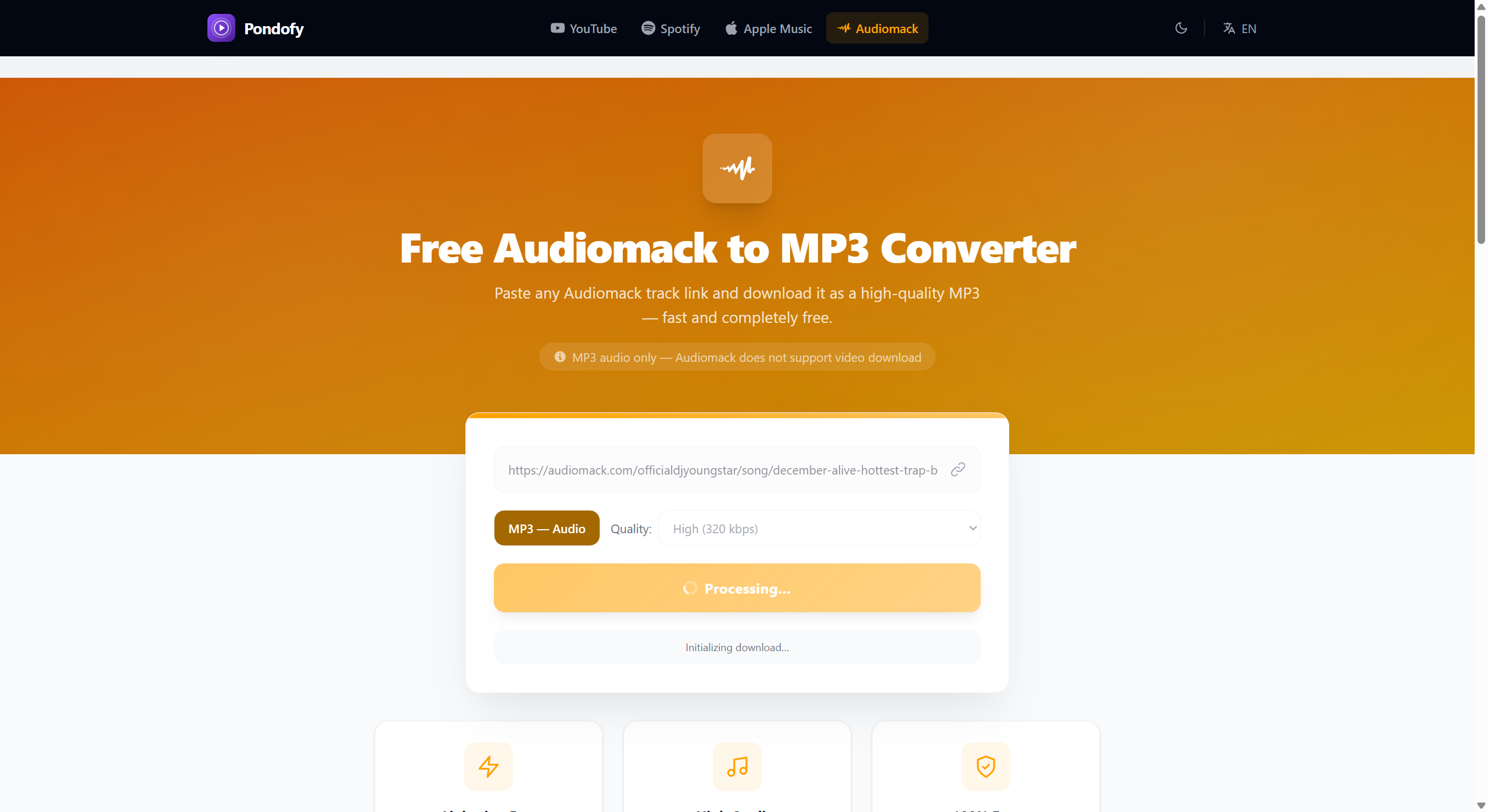
Step 3: Convert and Download
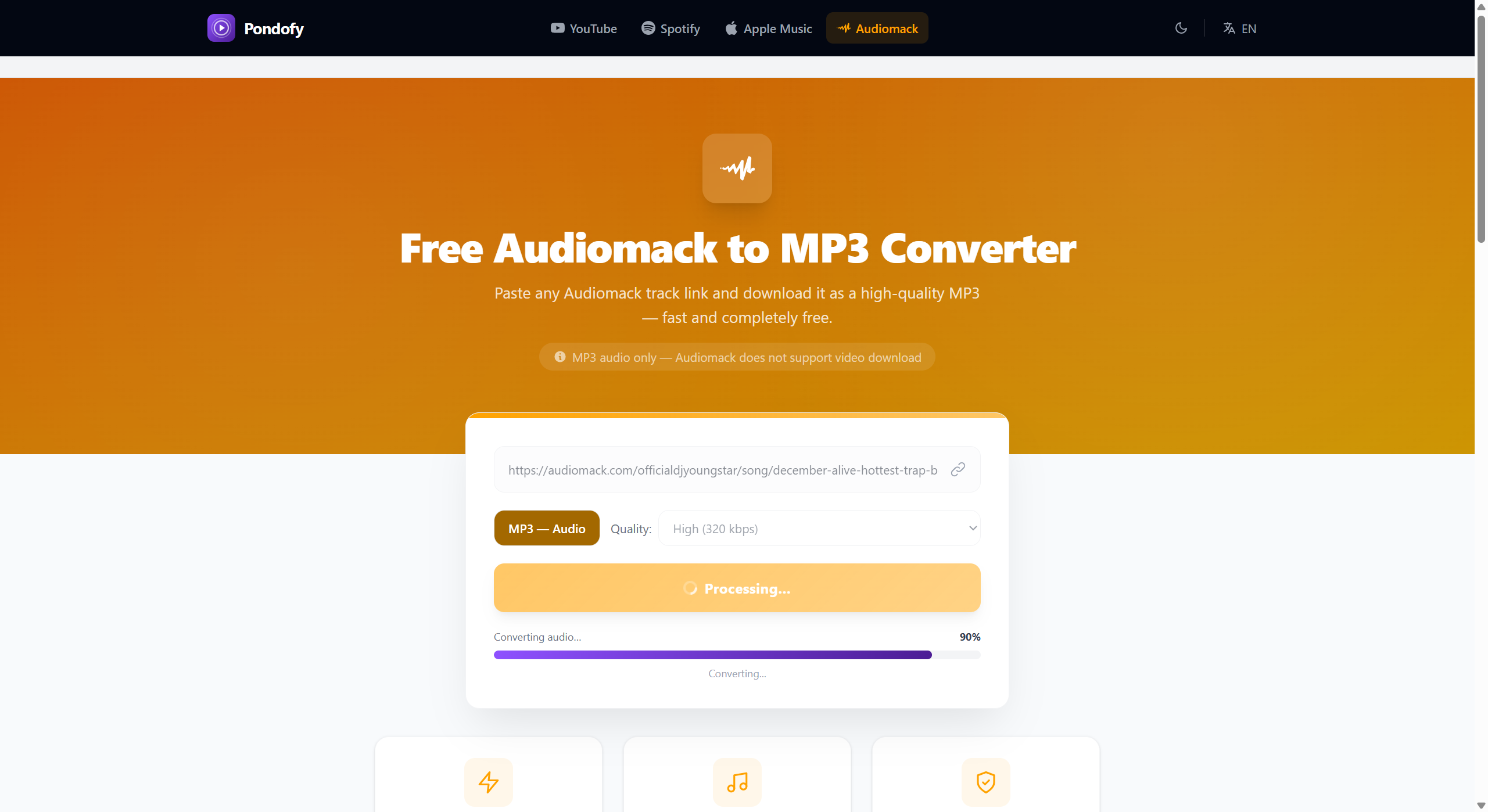
Explore through Pondofy, paste the copied link into the conversion bar, select your desired audio quality, and click “Convert Now”. Within seconds, your MP3 download link with embedded album art will be ready.
Note: Pondofy exclusively extracts audio files, as Audiomack is a dedicated music streaming platform that does not host standalone video content.
Enjoy Your Offline Music Library
With Pondofy, curating a portable offline music collection is effortless. Whether you are archiving rare mixtapes, organizing sets for live performance, or building offline playlists for travel, converting Audiomack tracks to MP3 provides complete freedom over your listening experience across any media player or audio system.
Copyright Notice & Fair Use Reminder
Downloading copyrighted audio without explicit authorization from artists or copyright owners may violate copyright legislation and platform terms of service. Always ensure you possess the appropriate rights, licenses, or permissions before converting tracks, and reserve downloaded files strictly for personal, non-commercial use.